
K-12 facilities teams face a common challenge: aging buildings, limited budgets, and mounting deferred maintenance backlogs. According to the National Center on School Infrastructure, the annual funding gap for elementary and secondary public school buildings stands at $85 billion. Intellis helps school districts address this gap by connecting facility condition assessment data directly to long-range capital planning.
Without accurate data on your buildings, it's difficult to justify budget requests or explain to your board why one roof should be replaced before another. Asset lifecycle management software gives you a single platform to assess conditions, score priorities, model funding scenarios, and present defensible capital plans.
This guide walks you through using asset lifecycle software for facility condition assessments, project prioritization, and long-range capital planning in K-12 school districts.
Key Takeaways: How to Use Asset Lifecycle Software for K-12 Schools
- Asset lifecycle software connects facility condition data directly to capital planning, giving you one system for assessments and budgeting.
- School districts can use the Facility Condition Index (FCI) to benchmark buildings and prioritize investments based on objective data.
- Mobile field collection tools let your team capture inspection data anywhere, with or without Wi-Fi connectivity.
- Intellis Foundation helps districts model funding scenarios and build defensible, data-backed capital improvement plans.
- Long-range capital planning reduces deferred maintenance backlogs by forecasting asset needs over 5-, 10-, or 20-year periods.
What Is Asset Lifecycle Management Software for Schools?
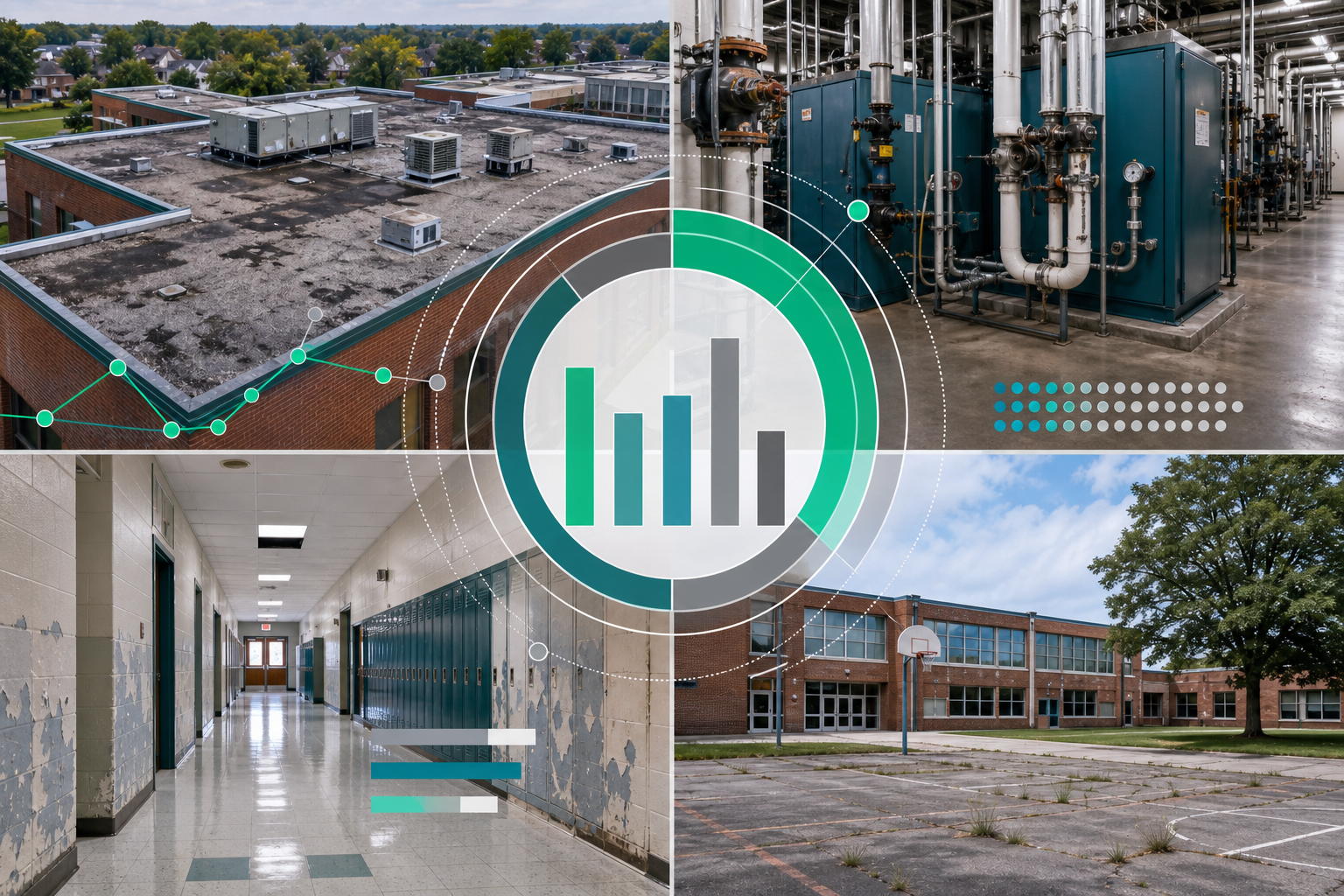
Asset lifecycle management software tracks your buildings and equipment from installation through replacement. For K-12 districts, this means knowing the condition of every roof, HVAC system, boiler, and floor covering across your entire portfolio.
Unlike basic maintenance tracking tools, asset lifecycle platforms focus on long-term planning. They answer questions like "When will this boiler need replacement?" What will it cost? How does this compare to other needs across the district?
The goal is to move from asking for money based on urgency to requesting funding based on data. When you can show your board exactly which buildings have the highest Facility Condition Index and what it will cost to address those needs over time, you're more likely to secure the funding you need.
Why Do K-12 Districts Need Asset Lifecycle Software?
Most school districts are underfunding facility maintenance. According to industry benchmarks from APPA and ASBO, adequate maintenance spending ranges from $2.50 to $4.50 per square foot annually. Many districts spend less than half that amount.
The result is a growing backlog of deferred maintenance. Buildings deteriorate faster than available funds can keep up with. Eventually, small problems become expensive emergencies—a leaking roof leads to water damage, which damages electrical systems, which affects the learning environment.
How Does Deferred Maintenance Affect School Districts?
Deferred maintenance doesn't just mean buildings look older. It affects student health and safety, teacher retention, and community perception. A 2020 GAO report found that 41% of school districts needed to update or replace HVAC systems in at least half their buildings. Poor indoor air quality directly impacts student attendance and academic performance.
Asset lifecycle software helps you identify and track deferred maintenance before it becomes a crisis. You can see which assets are approaching the end of their useful life, estimate repair and replacement costs, and plan your investments accordingly.
How to Conduct Facility Condition Assessments with Asset Lifecycle Software
A facility condition assessment (FCA) is the foundation of data-driven capital planning. During an FCA, inspectors evaluate each building system — roofing, mechanical, electrical, plumbing, interiors, and exteriors — and document current conditions, remaining useful life, and estimated repair or replacement costs.
 Step 1: Set Up Your Asset Inventory
Before you can assess conditions, you need a complete inventory of your buildings and their major systems. Your software should allow you to organize assets by school, building, floor, and room. Include key information such as the installation date, manufacturer, model, and expected lifespan.
This inventory becomes your single source of truth. When someone asks how many HVAC units are older than 15 years, you can answer immediately.
Step 2: Conduct Field Inspections with Mobile Tools
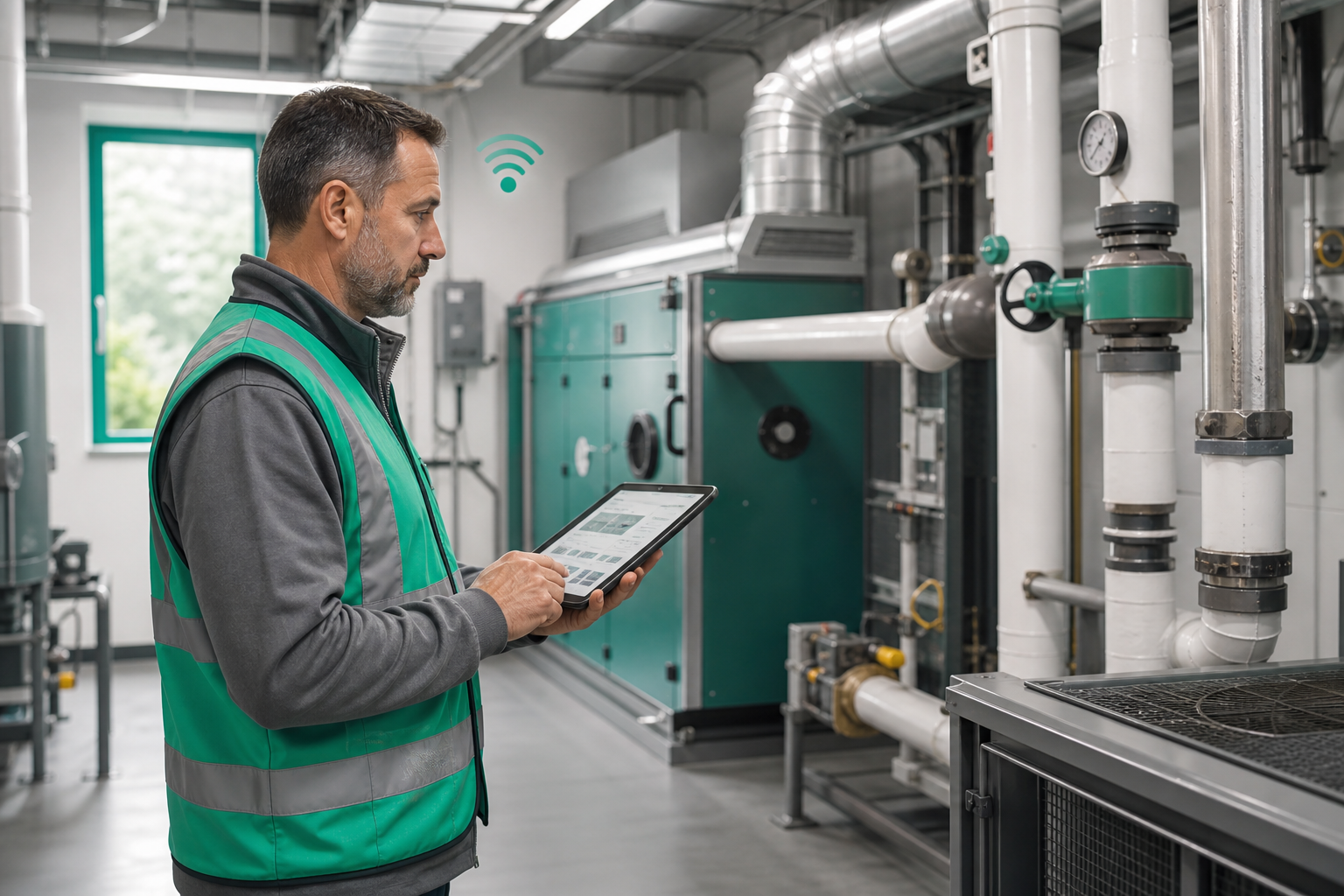
Modern asset lifecycle platforms include mobile applications that let inspectors capture data directly in the field. This is especially important for schools, where boiler rooms and utility closets often lack reliable internet connectivity.
Look for software with offline capabilities. Your team should be able to complete inspections, take photos, and record condition scores even when disconnected from the network. The data syncs automatically once connectivity returns.
Intellis Foundation offers mobile-first field collection that works with or without Wi-Fi. Inspectors can capture photos, assign condition scores, and document deficiencies in real time — then sync everything to the central platform later.
Step 3: Score Asset Conditions Consistently
Standardized scoring is critical for comparing assets across buildings. Most systems use a numerical scale — for example, 1 (excellent) through 5 (failed) — to rate each asset's condition.
Your scoring criteria should be documented and consistent. A "3" should mean the same thing whether you're rating a roof at the elementary school or an HVAC system at the high school. This consistency makes portfolio-wide comparisons meaningful.
Step 4: Calculate the Facility Condition Index (FCI)
The Facility Condition Index is a widely accepted benchmark for measuring building health. The formula is simple:
FCI = (Total Repair Costs ÷ Current Replacement Value) × 100
For example, if a building needs $1.2 million in repairs and would cost $10 million to replace, its FCI is 12%. The lower the FCI, the better the condition.
Industry benchmarks generally interpret FCI scores as follows:
-
0-5%: Excellent condition
-
5-10%: Good condition, manageable maintenance needs
-
10-30%: Fair to poor condition, major repairs needed
-
Above 30%: Critical condition, consider replacement
Asset lifecycle software calculates FCI automatically based on your assessment data. You can view FCI at the building level, the system level, or across your entire portfolio.
How to Prioritize Capital Projects Using Asset Lifecycle Software
Once you've assessed your buildings, you'll likely have more needs than available funding. The next step is prioritizing which projects to address first. Asset lifecycle software helps you make these decisions objectively.
Use Scoring Systems to Rank Projects
Rather than funding projects based on who asks loudest, effective prioritization uses weighted scoring criteria. Common factors include:
-
Safety and code compliance: Does this issue affect student or staff safety?
-
Mission criticality: How important is this building to daily operations?
-
Risk of failure: What happens if we delay this project?
-
Cost of deferral: Will waiting make this more expensive?
-
Energy efficiency: Does this project reduce operating costs?
Your software should let you customize these weights to align with your district's priorities. A district focused on sustainability might place greater weight on energy efficiency. One facing enrollment growth might prioritize capacity-related projects.
Compare Scenarios Before Committing Funds
What happens to your overall portfolio FCI if you invest $5 million this year? What if you only have $3 million? Asset lifecycle software lets you model different funding scenarios and see projected outcomes over time.
Intellis Foundation includes scenario modeling tools that show how different budget allocations affect your deferred maintenance backlog, FCI trajectory, and overall portfolio health. This helps you explain tradeoffs to your board in concrete terms.
How to Build Long-Range Capital Plans with Asset Lifecycle Software
Long-range capital planning looks beyond the next budget cycle. It projects asset needs over 5, 10, or even 20 years, helping you anticipate when major systems will require replacement and what those costs will look like.
Forecast Asset Lifecycles
Every asset has an expected useful life. A commercial HVAC system might last 15-20 years. A flat roof might need replacement after 20-25 years. Asset lifecycle software tracks these lifecycles and alerts you when assets approach the end of their useful life.
This forward visibility lets you plan proactively. Instead of being surprised when a boiler fails mid-winter, you can schedule replacement during summer break and include the cost in your capital budget years in advance.
Align Capital Plans with Strategic Goals
Your facilities plan should support your district's broader strategic priorities. If the district is prioritizing STEM education, you might invest more heavily in lab renovations. If enrollment is shifting, you might focus on buildings in growing areas.
Asset lifecycle software helps you connect facility investments to these goals. You can tag projects by strategic initiative, track spending by priority area, and demonstrate how your capital plan supports the district's vision.
Create Defensible Budget Requests
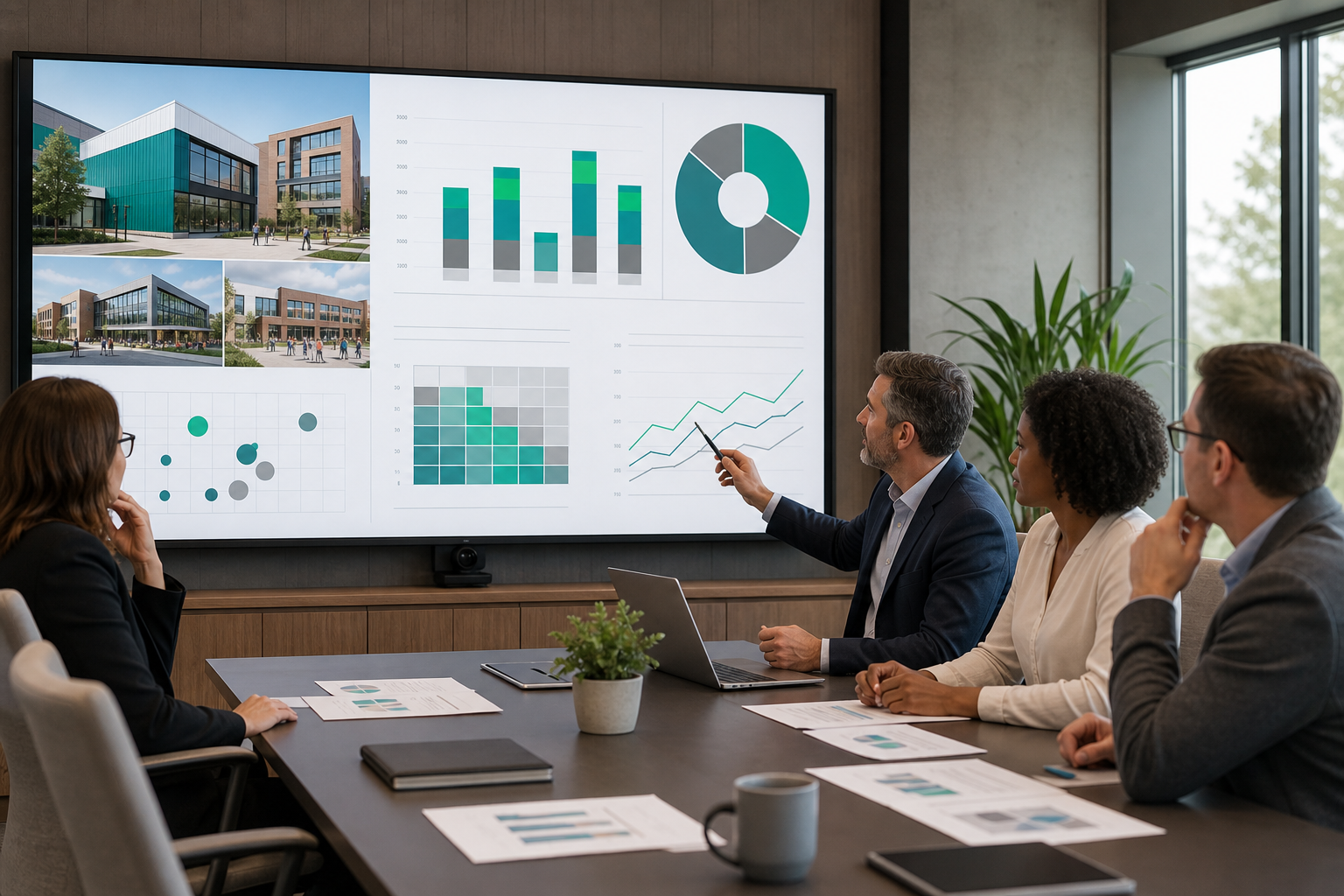
When you present capital needs to your board, they want to see evidence, not estimates. Data-backed requests are more likely to receive full funding than general appeals for more money.
Your software should generate reports that show:
- Current FCI by building across the portfolio
- Projected FCI under different funding scenarios
- Prioritized project lists with scoring rationale
- Cost comparisons: repair vs. replacement
- Deferred maintenance trends over time
Intellis Foundation turns complex facility data into dashboards and reports that everyone—from field teams to boardrooms—can understand. Districts using Foundation have reported increasing capital funding by up to 60% by presenting data-backed plans instead of general estimates.
How to Integrate Asset Lifecycle Software with Existing Systems
Most school districts already use other systems for work orders, maintenance requests, or financial tracking. Your asset lifecycle platform should integrate with these tools, not replace them.
Connect Assessment Data to Maintenance Operations
When an FCA identifies a deficiency — say, a failing HVAC compressor — that information should flow into your maintenance system as a work order. This creates a closed loop: assessments identify needs, maintenance addresses them, and updated condition data feeds back into your capital plan.
Share Data with Finance and ERP Systems
Capital planning doesn't happen in isolation. Budget requests need to align with your finance department's processes. Look for software that exports data in formats your ERP system can accept, or offers direct integrations with common financial platforms.
Enable Role-Based Access for Stakeholders
Different people need different views of your facility data. Maintenance staff need work order details. Finance teams need cost summaries. Board members need high-level dashboards. Your software should support role-based access that gives each stakeholder the information they need without overwhelming them with unnecessary detail.
What to Look for When Choosing Asset Lifecycle Software for K-12
Not all asset lifecycle platforms are built for education. K-12 districts have unique needs: large portfolios of buildings with varying ages, tight budgets, multiple stakeholders, and a mission focused on student outcomes rather than profit.
Prioritize Capital Planning Over Maintenance Tracking
Many asset management systems began as maintenance software and later added planning features. These tools are often strong on work orders but weak on long-range forecasting.
Look for platforms designed with capital planning as the primary focus. The software should help you answer strategic questions — What should we fund first? What will it cost over 10 years? How do we justify this request? — not just operational ones.
Demand Offline Field Capabilities
School buildings aren't always designed with connectivity in mind. Your team needs to inspect mechanical rooms, crawl spaces, and portable classrooms that may lack Wi-Fi. If your software requires constant connectivity, your inspectors will waste time working around technical limitations.
Evaluate Reporting and Visualization Tools
Data is only valuable if you can communicate it effectively. Review the platform's reporting capabilities: Can you generate board-ready presentations? Are dashboards customizable? Can you visualize FCI trends and funding scenarios graphically?
Consider Implementation and Support
Transitioning to new software takes time and effort. Evaluate the vendor's implementation process, training resources, and ongoing support. Districts that have worked with Intellis often cite the team's experience with public-sector clients and its hands-on engagement during large-scale capital planning projects.
How Intellis Foundation Supports K-12 Capital Planning
Intellis Foundation is a capital planning platform built for organizations that need to connect facility condition data directly to long-range planning. For K-12 districts, this means closing the gap between assessments and defensible budget requests.
Foundation includes mobile-first field collection, standardized condition scoring, automated FCI calculations, scenario modeling, and stakeholder reporting—all in one platform. Instead of copying data between separate tools, your team works from a single system where condition data flows directly into capital plans.
With more than 20 years of experience partnering with public-sector clients and a track record of completing complex government projects, Intellis brings deep expertise in K-12 facilities challenges. The platform supports large portfolios—some districts manage 4,600+ sites—and scales as your needs grow.
Common Challenges When Implementing Asset Lifecycle Software
Adopting new software isn't always straightforward. Understanding common challenges can help you prepare and avoid pitfalls.
Incomplete or Outdated Asset Data
Your software is only as good as the data you put into it. If your asset inventory is incomplete or the condition data is years old, your capital plans won't reflect reality. Plan for an initial assessment effort to establish baseline data before expecting meaningful outputs.
Staff Resistance to New Processes
Change can be difficult, especially for teams accustomed to familiar workflows. Invest in training and communicate the benefits clearly. When staff see how the software saves time and improves their ability to advocate for resources, adoption improves.
Misaligned Expectations with Leadership
Software alone doesn't solve funding problems. It gives you better data to support your requests. Make sure leadership understands that asset lifecycle software is a tool for making better decisions, not a guarantee of increased budgets.
Measuring Success: How to Know Your Software Is Working
After implementing asset lifecycle software, track metrics that indicate whether it's delivering value.
Track FCI Improvements Over Time
Your portfolio-wide FCI should improve — or at least stabilize — as you address priority needs systematically. If FCI continues to rise despite your efforts, you may need to revisit your prioritization approach or advocate for increased funding.
Monitor Budget Approval Rates
Are your capital requests receiving more favorable responses? Track the percentage of requested funding that gets approved. Data-backed requests should outperform general appeals over time.
Assess Time Savings in Reporting
How long does it take to generate board reports or respond to stakeholder questions? Software that centralizes your data should reduce the time spent assembling information from multiple sources.
Evaluate Deferred Maintenance Trends
Is your deferred maintenance backlog growing, stable, or shrinking? Effective capital planning should at least slow the growth of deferred maintenance, even if full elimination isn't possible with current funding.

FAQs About How to Use Asset Lifecycle Software for K-12 Schools
What is asset lifecycle management software for schools?
Asset lifecycle management software helps K-12 districts track the condition of buildings and equipment from installation through replacement. It connects facility condition assessments to capital planning, enabling you to prioritize investments, forecast costs, and build defensible budget requests based on data rather than assumptions.
How does asset lifecycle software support facility condition assessments?
The software lets inspectors capture condition data using mobile devices, even offline. Intellis Foundation includes standardized scoring, photo documentation, and automated calculations, such as the Facility Condition Index. All assessment data feeds directly into capital planning tools, creating a single system from inspection to budget request.
What is the Facility Condition Index, and why does it matter for schools?
The Facility Condition Index (FCI) measures building health by comparing repair costs to replacement value. A lower FCI indicates better condition. School districts use FCI to benchmark buildings, prioritize investments, and communicate needs to boards using an industry-accepted metric that removes subjectivity from funding discussions.
How does Intellis Foundation help K-12 districts plan capital improvements?
Intellis Foundation connects condition assessment data to long-range capital planning. Districts can score and prioritize projects, model different funding scenarios, and generate board-ready reports. The platform supports mobile field inspections, automated FCI tracking, and scenario forecasting—helping facilities teams build defensible, data-backed capital plans.
Can asset lifecycle software reduce deferred maintenance backlogs?
Yes. By identifying needs early and prioritizing investments strategically, asset lifecycle software helps you address problems before they become expensive emergencies. Intellis Foundation includes deferred maintenance tracking that shows backlog trends over time, helping you demonstrate progress to stakeholders and advocate for sustained funding.
What features should K-12 districts look for in asset lifecycle software?
Look for mobile field collection with offline capability, automated FCI calculations, scenario modeling for funding comparisons, and stakeholder reporting tools. The platform should prioritize capital planning over basic maintenance tracking. Intellis Foundation includes all these features, plus integrations with existing facility management systems.
How long does it take to implement asset lifecycle software?
Implementation timelines vary based on portfolio size and data readiness. Districts with existing asset inventories can be operational faster than those starting from scratch. A thorough initial facility condition assessment typically takes several months, but you can begin using planning and reporting features while baseline data is collected.
Related Resources
-
Get the guide to implementing School Facilities Management Software
-
How to Improve School Facility Condition Assessment — See how K-12 districts can improve facility condition assessments with more consistent data collection, evaluation, and reporting.
-
How to Evaluate School Buildings for Effective Capital Projects — Learn how to evaluate school buildings to support smarter project prioritization and stronger capital planning decisions.
-
Transform K-12 Facility Management with Data-Driven Capital Planning — Explore how centralized facility data can help school districts reduce deferred maintenance and build more defensible long-range plans.
- Find out how to Streamline Facility Management
- Get the Guide - Facility Planning Checklist
- Talk to an expert about implementing Asset Lifecycle Software